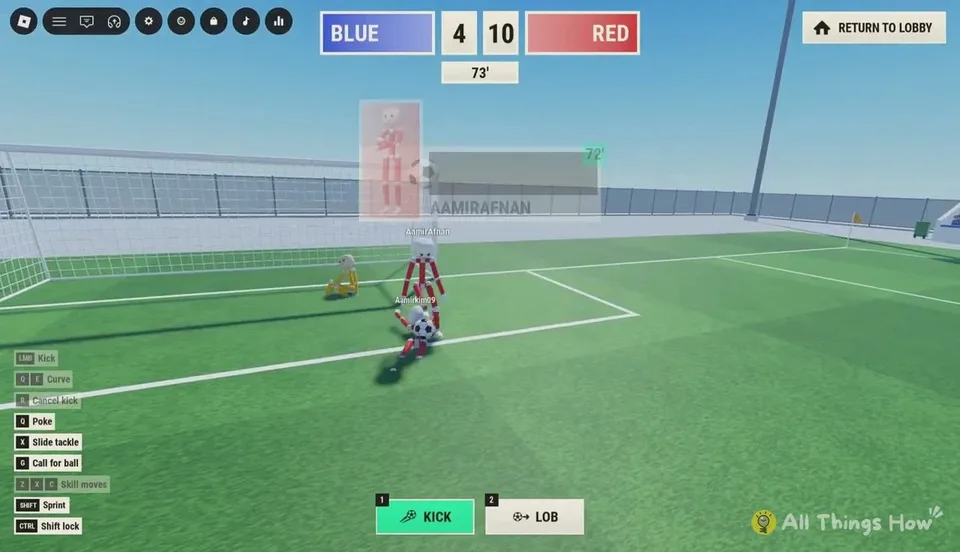
You can join a match already in progress
The scoreboard at the top shows both scores and an in-game minute. The clock runs toward 90, then stoppage time such as 90' +7. Quickplay can place you into a game that has already started, including one where your side is behind. Read the score and the clock before you chase the ball.
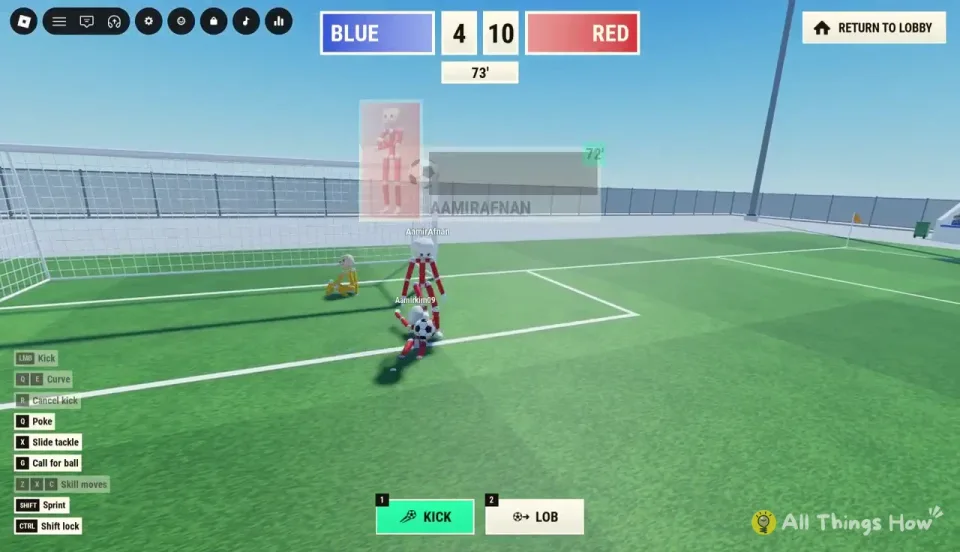
Kickoff
After a goal, both teams line up again. A green arrow labeled SCORE HERE points at the goal you attack. Check it every restart so you do not shoot toward your own net after a side switch.
Kickoff is a live moment. A side that presses immediately can win the ball back and score again within a couple of in-game minutes.
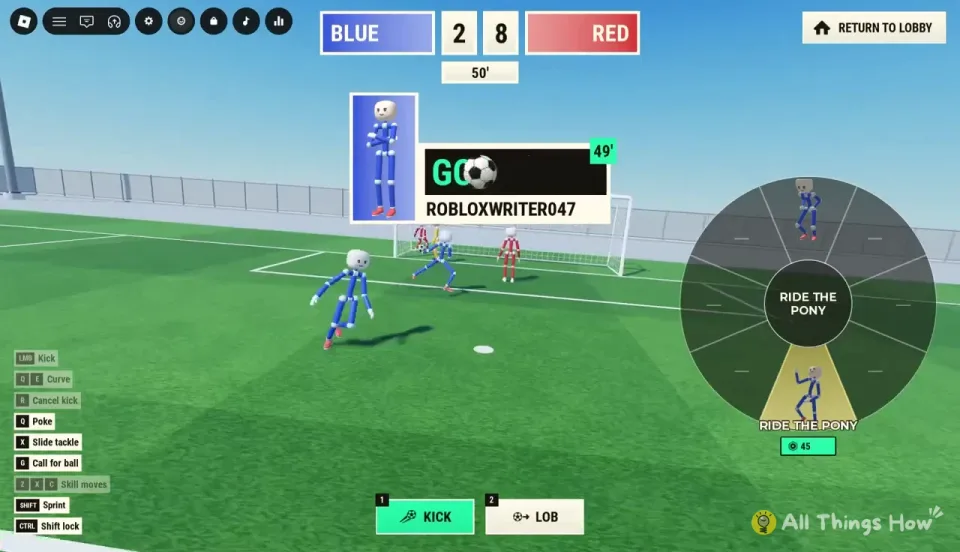
After a goal
A callout names the scorer and the minute, and it names an assist when there is one. Then:
- The scorer gets an emote wheel. Observed options include CELEBRATE, RIDE THE PONY, and DAB. These are goal-celebration choices, not the shop emotes Swagger and Sniper.
- A replay plays for everyone and is marked REPLAY.
- SAVE REPLAY keeps the clip.
- A VOTES TO SKIP counter tracks the lobby. Press the skip vote shown on that screen. A HUD walkthrough uses Space for this vote and shows VOTED after you press it. See the Space conflict before you bind it from memory.
- Play waits on the message Goal replay in progress, please wait.
Full time
When regulation and stoppage both end, a banner reads The match has ended! The FULL TIME screen lists MATCH STATS such as shots, possession percentage, saves, and pass accuracy, plus PLAYER RATINGS and a FREE COINS reward. The coin amount on that screen was not published as a fixed number.
Leaving early
RETURN TO LOBBY sits in the top-right during play. Confirm the leave prompt. The Roblox Escape menu still opens and shows the player list. Use the lobby when you want Practice, another mode, or the shop. The lobby guide for queues is modes and clubs.